Building a Serverless Comment System: Astro, Giscus, and GitHub Actions Automation
A deep dive into integrating the Giscus comment system into Astro 4.x, resolving View Transitions lifecycle bugs, and automating GitHub Discussions pre-creation via the GraphQL API.
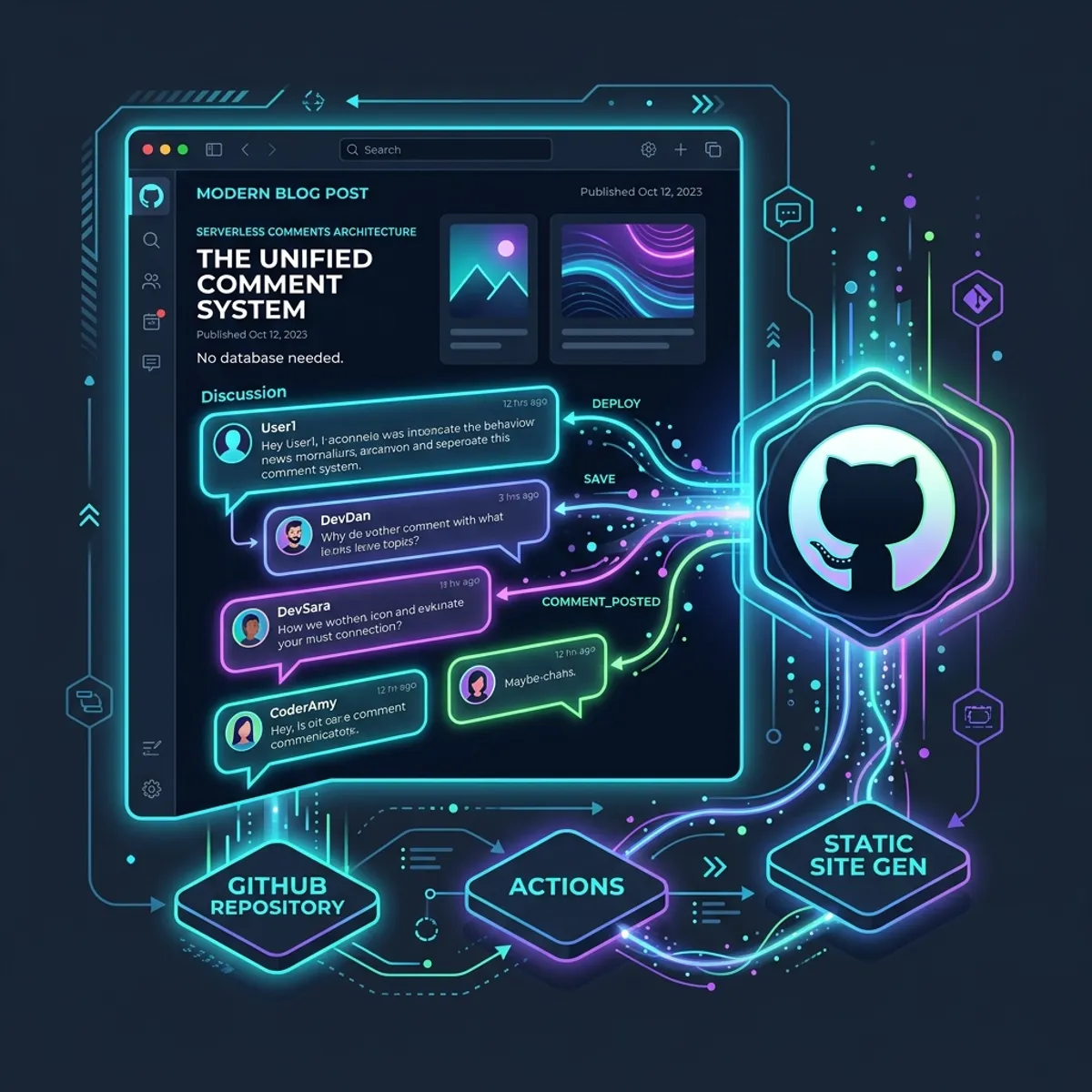
Comments are often the heaviest, most vulnerable, and most annoying part of hosting a static or hybrid portfolio site. Setting up a full database, setting up auth (OAuth/GitHub/Google), and dealing with spam protection can quickly blow out a simple personal project into a maintenance headache.
To solve this, I integrated Giscus—a comments system backed by GitHub Discussions—on this blog. It’s completely free, serverless, uses GitHub’s native OAuth, has zero tracking, and supports markdown/reactions out of the box.
However, integrating Giscus into a modern Astro application with View Transitions and pre-creating discussions in CI/CD requires addressing several frontend and backend integration challenges. Here is a breakdown of how the architecture works and how I built it.
1. The Frontend: Astro & View Transitions Compatibility
Astro’s View Transitions make page routing feel incredibly fast by transforming standard page navigation into single-page application (SPA) style transitions. However, this means standard <script> tags and embeds do not behave like traditional page loads.
When a user navigates to a new blog post:
- The DOM of the old page is swapped with the new page.
- The Giscus script (embedded in the body) would normally not execute again, or it would accumulate duplicate iframes if we simply appended it dynamically.
To solve this, we create a lifecycle event listener bound to Astro’s astro:page-load event. The script cleans up any existing Giscus elements from the previous page before creating and injecting a new, clean Giscus client:
<div class="giscus-container mt-16 border-t border-gray-800 pt-8" data-component="CommentsSection">  <div class="giscus"></div></div>
<script is:inline>  function loadGiscus() {    const container = document.querySelector('.giscus-container');    if (!container) return;
    // Clear previous Giscus frame to prevent duplicates during view transitions    container.innerHTML = '<div class="giscus"></div>';
    const script = document.createElement('script');    script.src = 'https://giscus.app/client.js';    script.setAttribute('data-repo', 'mfattoru/fattoruso-portfolio');    script.setAttribute('data-repo-id', 'R_kgDOSFhppQ');    script.setAttribute('data-category', 'Announcements');    script.setAttribute('data-category-id', 'DIC_kwDOSFhppc4C-ZHA');    script.setAttribute('data-mapping', 'pathname');    script.setAttribute('data-strict', '1');    script.setAttribute('data-reactions-enabled', '1');    script.setAttribute('data-emit-metadata', '0');    script.setAttribute('data-input-position', 'top');    script.setAttribute('data-theme', 'transparent_dark');    script.setAttribute('data-lang', 'en');    script.setAttribute('data-loading', 'lazy');    script.setAttribute('crossorigin', 'anonymous');    script.setAttribute('async', 'true');
    container.appendChild(script);  }
  // Load Giscus on transition page loads and DOM ready  if (document.readyState === 'complete' || document.readyState === 'interactive') {    loadGiscus();  } else {    document.addEventListener('DOMContentLoaded', loadGiscus);  }  document.addEventListener('astro:page-load', loadGiscus);</script>
2. Ensuring Bulletproof Security: Content Security Policy (CSP)
Because Giscus injects an iframe and loads external scripts, we must configure a strict Content Security Policy (CSP) headers directive to allow loading assets from giscus.app and Cloudflare’s analytics script while blocking other third-party vectors.
Under /public/_headers, the configuration explicitly whitelists the script and frame sources:
Content-Security-Policy: default-src 'self'; script-src 'self' 'unsafe-inline' https://challenges.cloudflare.com https://giscus.app https://static.cloudflareinsights.com; style-src 'self' 'unsafe-inline' https://giscus.app; img-src 'self' data: https://res.cloudinary.com https://images.unsplash.com; frame-src https://challenges.cloudflare.com https://giscus.app; connect-src 'self' https://challenges.cloudflare.com https://giscus.app https://static.cloudflareinsights.com; font-src 'self' data:; worker-src 'self' blob:;This keeps the portfolio’s security posture tight while retaining fully interactive comments.
3. Automated Discussion Pre-Creation in CI/CD
By default, if a user visits a blog post and no GitHub Discussion has been created yet, Giscus will try to create one on the fly the first time a user comments. However, this incurs a delay and requires the user to authorize Giscus to create discussions in the repository.
To optimize the UX, we can pre-create discussions for every new blog post when the site is built and deployed in GitHub Actions.
The “Strict Mode” SHA-1 Mapping
To prevent fuzzy matching (which might link similar-titled posts to the same discussion), we enable strict mapping (data-strict="1"). Under strict mode:
- Giscus parses the current URL pathname (e.g.
/blog/my-post/). - It strips the leading slash to match the default title format (e.g.
blog/my-post/). - It computes the SHA-1 hash of this path (
blog/my-post/). - Giscus searches GitHub for a discussion containing
<!-- sha1: <hash> -->in its body.
To make the automation work, our GitHub Action must duplicate this exact hashing algorithm.
Here is the .github/workflows/create-discussions.yml workflow logic that computes the hash and queries/creates discussions via the GitHub GraphQL API:
name: Create Blog Discussionson:  push:    branches: [main]    paths:      - 'src/content/blog/**/*.md'  workflow_dispatch:
permissions:  discussions: write  contents: read
jobs:  create-discussions:    runs-on: ubuntu-latest    steps:      - name: Checkout Code        uses: actions/checkout@v4
      - name: Ensure Discussions Exist        env:          GH_TOKEN: ${{ secrets.GITHUB_TOKEN }}        run: |          REPO_OWNER="mfattoru"          REPO_NAME="fattoruso-portfolio"          REPO_ID="R_kgDOSFhppQ"          CATEGORY_ID="DIC_kwDOSFhppc4C-ZHA"
          # Fetch all existing discussions in the Announcements category          DATA=$(gh api graphql -f query='            query($owner: String!, $name: String!, $categoryId: ID!) {              repository(owner: $owner, name: $name) {                discussions(first: 100, categoryId: $categoryId) {                  nodes {                    id                    body                  }                }              }            }          ' -f owner="$REPO_OWNER" -f name="$REPO_NAME" -f categoryId="$CATEGORY_ID")
          for FILE in src/content/blog/*.md; do            [ -f "$FILE" ] || continue            SLUG=$(basename "$FILE" .md)            SEARCH_TERM="blog/$SLUG/"
            # Calculate SHA1 hash of the search term (aligning with Giscus)            if command -v sha1sum >/dev/null 2>&1; then              HASH=$(echo -n "$SEARCH_TERM" | sha1sum | cut -d" " -f1)            else              HASH=$(echo -n "$SEARCH_TERM" | shasum | cut -d" " -f1)            fi
            # Check status of matching discussion            STATUS=$(echo "$DATA" | jq -r --arg term "$SEARCH_TERM" --arg hash "$HASH" '              .data.repository.discussions.nodes[]              | select(.body | contains($term))              | if (.body | contains("sha1: " + $hash)) then "OK" else "NEEDS_UPDATE|" + .id end            ' | head -n 1)
            if [ -z "$STATUS" ]; then              echo "Discussion not found for $SLUG. Creating one..."              TITLE="blog/$SLUG/"              BODY="Comments thread for blog/$SLUG/"$'\n\n'"<!-- sha1: $HASH -->"
              gh api graphql -f query='                mutation($repoId: ID!, $categoryId: ID!, $title: String!, $body: String!) {                  createDiscussion(input: {repositoryId: $repoId, categoryId: $categoryId, title: $title, body: $body}) {                    discussion {                      url                    }                  }                }              ' -f repoId="$REPO_ID" -f categoryId="$CATEGORY_ID" -f title="$TITLE" -f body="$BODY" --jq '"Created: " + .data.createDiscussion.discussion.url'
            elif [ "$STATUS" = "OK" ]; then              echo "Discussion already exists for $SLUG with correct SHA1. Skipping."            fi          done
4. Overcoming GITHUB_TOKEN Permissions and Orphans
One interesting edge case occurs if a user writes a comment on the website before strict mode is fully configured or before the GitHub Action runs. Giscus will automatically create the discussion using the GitHub API, but it might lack the correct SHA-1 hash (or the hash formatting you expect).
When the Action runs next, it will identify the discussion (matching the title/body search term) but flag it as missing the SHA-1 hash. It will then attempt to run updateDiscussion to insert the hash comment.
However, the default GITHUB_TOKEN in GitHub Actions runs as github-actions[bot], which does not have permission to edit or update the body of a discussion created by another actor (like the Giscus GitHub App). You will see a Resource not accessible by integration error.
How to solve this:
- Option A (Manual Update): Go directly to the discussion page on GitHub as the repository owner. Edit the body of the original post and manually append the correct SHA-1 comment:
<!-- sha1: <hash-value> -->. - Option B (Re-creation): Delete the orphaned discussion from the GitHub Discussions UI, and rerun the GitHub Action workflow to let the runner create the discussion with the correct, permanent SHA-1 hash block.
With this structure, the site maintains a highly secure, completely serverless, zero-maintenance, and blisteringly fast comment experience that is fully integrated into the deployment pipeline.
Do you prefer hosting comments on a dedicated database or leveraging existing developer hubs like GitHub Discussions/Reddit? Let’s discuss in the comments below!